 XanderFiles
Open any file on your Android phone
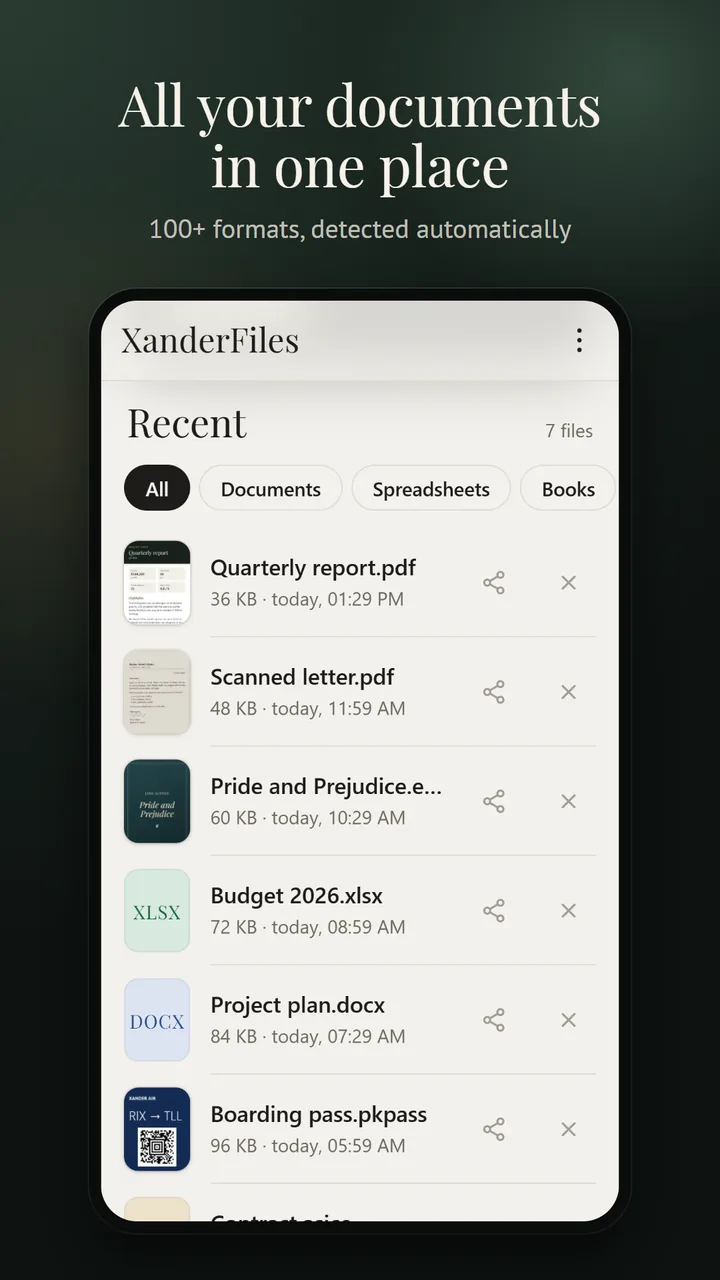
XanderFiles opens more than 100 formats — the ones your phone says it cannot open. Documents, spreadsheets, e-books, emails, signed files, archives and photos, all in one app. It works offline, with no ads and no sign-up.
Get it on Google PlayFree · no ads · no sign-up · offline
Can’t open a file? There’s a fix
XanderFiles opens all of these formats. Pick yours to see how to open it on Android.
Documents
PDF with forms and signing, Word, Excel, PowerPoint — with editing. ODT, RTF, Apple Pages, Numbers and Keynote.
E-book reader
EPUB, FB2, MOBI, AZW3 and comics: themes, fonts, bookmarks, volume-key page turning.
Emails
EML and Outlook MSG with attachments, winmail.dat, contacts (VCF) and calendars (ICS).
Signatures
P7M, P7S, ASICE, BDOC: who signed and when, the document inside.
Archives
ZIP, RAR, 7Z (with passwords), TAR, GZ, ISO — files open without extracting.
Photos and scans
HEIC, RAW, JPEG XL, PSD, TIFF; text from scans is recognized on the phone in 12 languages.
All formats XanderFiles opens
The format is detected by the file’s content, even if the extension is wrong.
Documents
Spreadsheets
- XLSX
- XLSM
- XLSB
- XLS
- ODS
- CSV
- TSV
- NUMBERS
Presentations
- PPTX
- PPSX
- PPT
- PPS
- ODP
- KEY
E-books and comics
Archives
Signatures and certificates
Email, contacts, calendars
- EML
- MSG
- winmail.dat
- VCF
- ICS
- VCS
- IFB
Images
Camera RAW
- DNG
- CR2
- CR3
- CRW
- NEF
- NRW
- ARW
- SRF
- SR2
- PEF
- SRW
- ORF
- RW2
- RAF
- 3FR
- ERF
- MEF
- MOS
- KDC
- DCR
- IIQ
- X3F
- RWL
- GPR
Tickets and tracks
Audio and video
- MP3
- M4A
- OGG
- OPUS
- WAV
- FLAC
- MP4
- WEBM
Your files stay on your phone
Nothing is uploaded to any server: opening, editing and text recognition all happen on the device. No ads, no accounts, no tracking.
Free · no ads · no sign-up · offline