 XanderFiles
XanderFiles › MOBI / AZW3
How to open MOBI and AZW3 books on Android
Kindle books without Kindle
MOBI and AZW3 are Amazon Kindle e-book formats. On Android, the free XanderFiles app opens them in a full-featured reader with contents, bookmarks, themes and fonts — no Kindle app and no Amazon account.
Get it on Google PlayFree · no ads · no sign-up · offline
What is this file
MOBI and AZW3 books come from online libraries and from Calibre; for years every Kindle book used these formats. The Kindle app on Android only opens books from the Amazon store.
How to open it
- Install XanderFiles from Google Play. It is free, with no ads and no sign-up.
- Tap the .mobi file wherever you have it: in Downloads, in Telegram or on Google Drive.
- When Android asks which app to use, choose XanderFiles. Or the other way round: open XanderFiles, tap “Open file” and pick the file in Downloads or Google Drive.
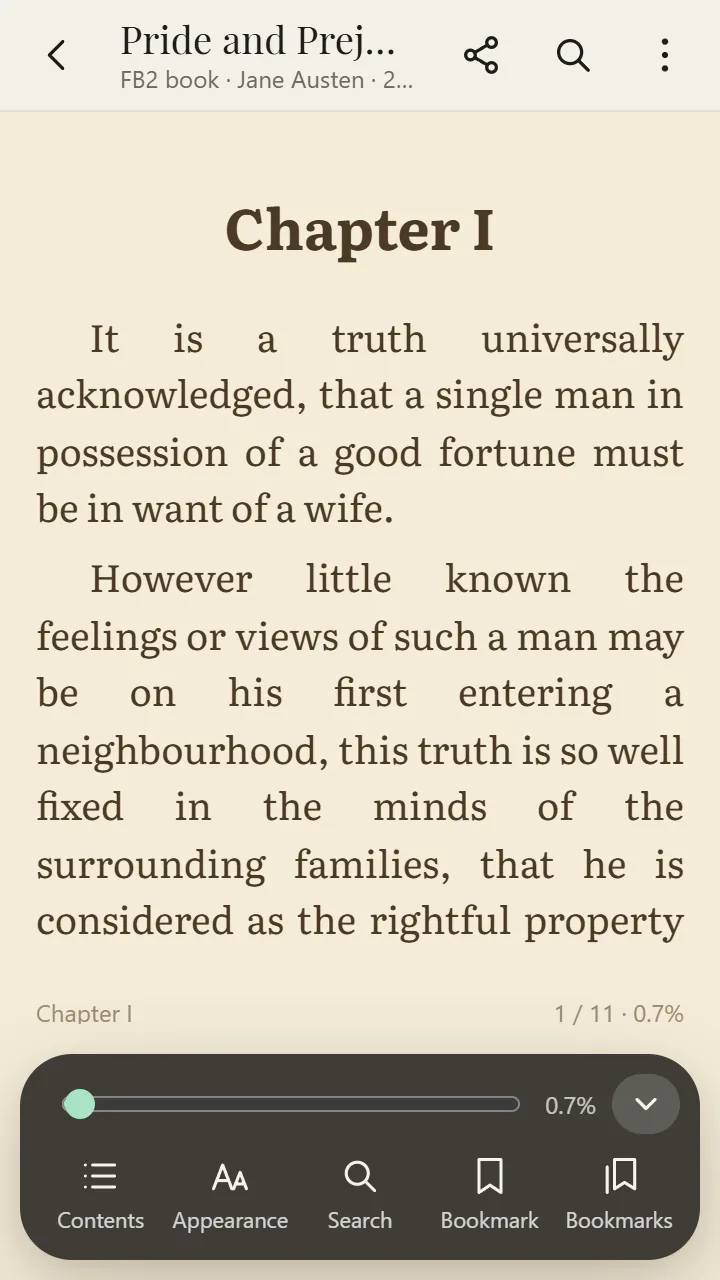
- The book opens with its cover and contents. Turn pages with a tap or with the volume keys.
What you can do
- Pages or scrolling, volume-key page turning
- Fonts, size, spacing, margins, themes and brightness
- Contents, search, bookmarks; your position is remembered
- FB2, EPUB and CBZ comics open too
Good to know
- Books bought in the Kindle store are DRM-protected and only open in the Kindle app.
Questions
What is the difference between AZW3 and MOBI?
AZW3 (KF8) is the newer Kindle format with better layout. XanderFiles opens both.
Do I need an Amazon account?
No. The file is read on your phone, with no sign-in and no internet.
Is it free?
Yes. No ads and no sign-up.
Other formats
Get it on Google Play
Free · no ads · no sign-up · offline